
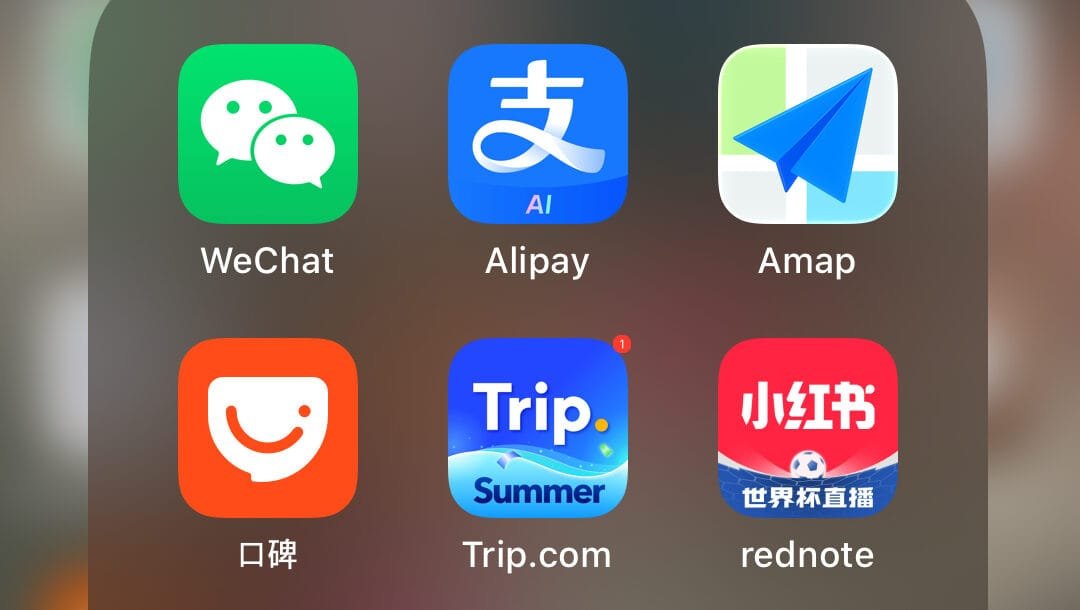
Save your storage, only the essentials.
This is the actual folder on my phone, but DO NOT just download these apps and get on the plane. Open them, register your account and do all the security verifications before you fly! China runs on its own set of apps, and most of the ones you use at home simply won’t work once you land — Google, Instagram, WhatsApp and Google Maps are all blocked. The good news is the local alternatives are genuinely excellent once you know what to download. More importantly, before you even get to apps, sort your data — grab a China-compatible eSIM on Trip.com before you land so you’ve got connection from the moment you touch down.
This post may contain affiliate links. I may earn a small commission if you book or purchase through them, at no extra cost to you.
1. Wechat
Part messaging app, part payment app, part everything-else app. You’ll use it to chat, video call, split bills, and in a lot of places it’s accepted alongside or instead of Alipay. Many locals will ask for your WeChat before your phone number.
2. Alipay
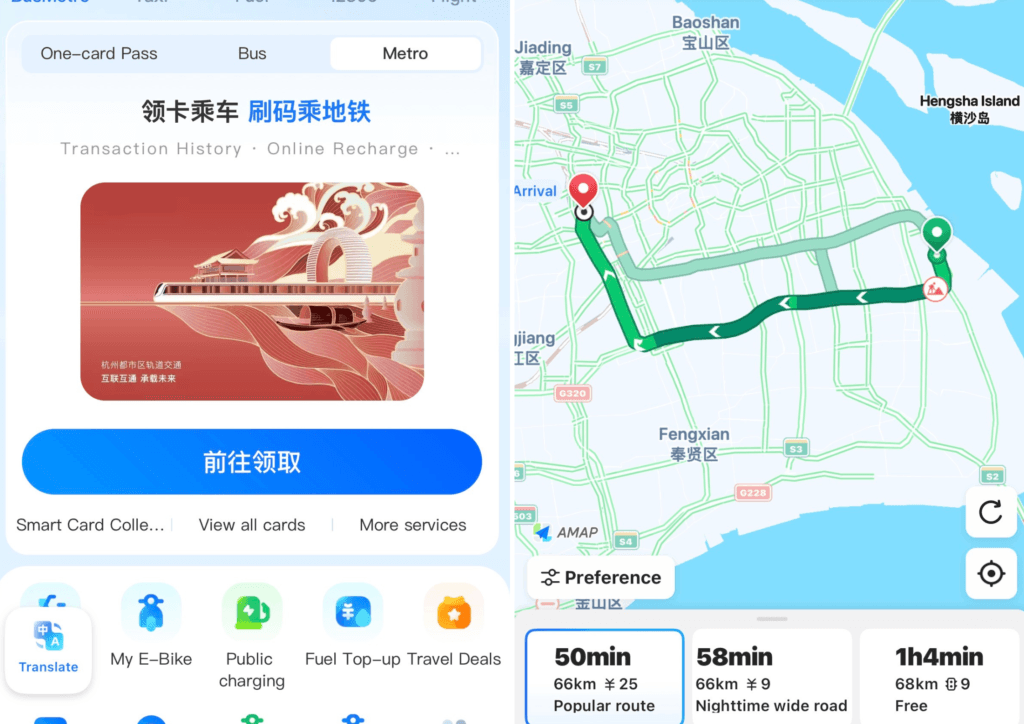
China is almost entirely cashless, and Alipay is how you pay for everything — restaurants, taxis, the metro, street food, shopping. Set it up and link an international card before you land, verify and verify again if you have to! Life is easy with Alipay, grab a didi (taxi) from the airport, order food to your hotel room, scan your QR code on the metro and endless other necessities! You can see in my screenshot theres a translate button so you won’t get lost!
3. AMap (Gaode Map)
Google Maps doesn’t work in China, so AMap is the replacement — and honestly it’s better for local navigation anyway, with more accurate public transport routing, walking directions and real-time traffic. It’s in Chinese by default but has an English option in settings.
4. Dianping (口碑)
China’s answer to Yelp/TripAdvisor combined — reviews, photos, menus and often deals on restaurants and local attractions. It’s in Chinese, but pairing it with a translation app makes it usable even if you don’t read Mandarin, and it’ll show you where locals actually eat rather than tourist-trap spots.
5. Trip.com
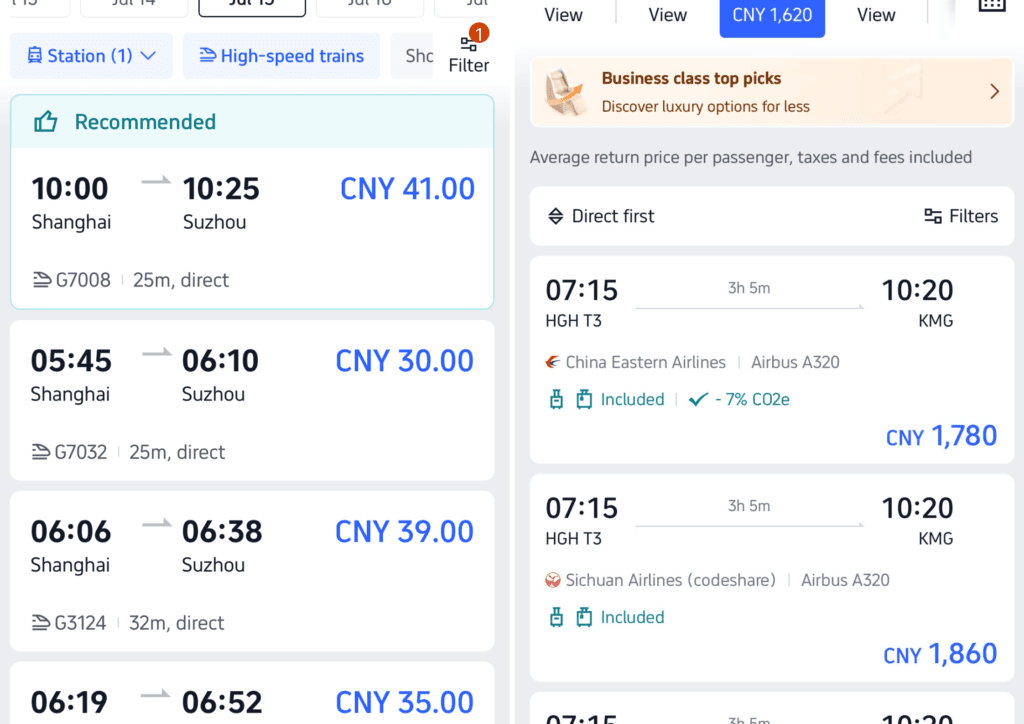
Trip.com is by far the easiest way to book trains, flights, hotels and your eSIM in China as a foreigner and keep them all in one place! I use it for everything from booking high-speed rail tickets to sorting hotels, Disneyland tickets to tours. Check out the reviews, everythings in English and pick your daily attractions right on the app.
6. Xiaohongshu (XHS / RedNote)

Part social media, part search engine for literally everything — outfit ideas, restaurant recommendations, hidden viewpoints, packing lists for specific cities. If you want to know what a place actually looks like before you go, search it on XHS before Google.
7. Papago
I’ved included 3 translations apps in this list as they all serve a different purpose. Google Translate is blocked without a VPN, so it’s worth having a native alternative. Papago is strong for Chinese translation specifically, with solid conversation and camera-translation modes. This is the free translation app I use daily.
8. CoeFont
Useful if you need natural-sounding voice output rather than just text — handy for anything you need to actually say out loud rather than just show someone on a screen. For example, if you’re talking to a taxi driver, ticket inspector or just trying to make friends in the bar – this ones for you.
9. Kuli Kuli
A lesser-known translation option, but a good backup to have installed alongside Papago and CoeFont in case one has an off day. This one is brilliant for menus and sight seeing as it has an extra function for giving context for the translations or images it’s focused on. Worth having if you’re one for the details or have an dietary requirements!
10. A VPN
Just in case. If you rely on Google, Instagram, WhatsApp, Gmail or YouTube, you may need a VPN, unless you’ve installed a Trip.com eSim. For most short trips, Proton VPN is worth having installed as a backup — it has a genuine free tier rather than a time-limited trial, so there’s no reason not to have it sitting on your phone even if you don’t end up needing it. It’s slower and more limited on servers than paid options, but it’s a solid safety net if you just need occasional access.
Get WeChat, Alipay, AMap and Trip.com sorted before you land, add your translation apps and a backup VP and you’ll be set up exactly like a local by the time you touch down. For everything else you need to know before your first trip, check out my China First-Timer Guide.
Where to Next? Your China City Guides
To help you decide your next Chinese adventure, I’ve written detailed guides for every city I’ve loved and hated from my very own archives. Including where to stay, the best hotels, top things to do, eat and a 3 day itinerary, check them out below.